What Is a Door Hanger Template and Who Uses It
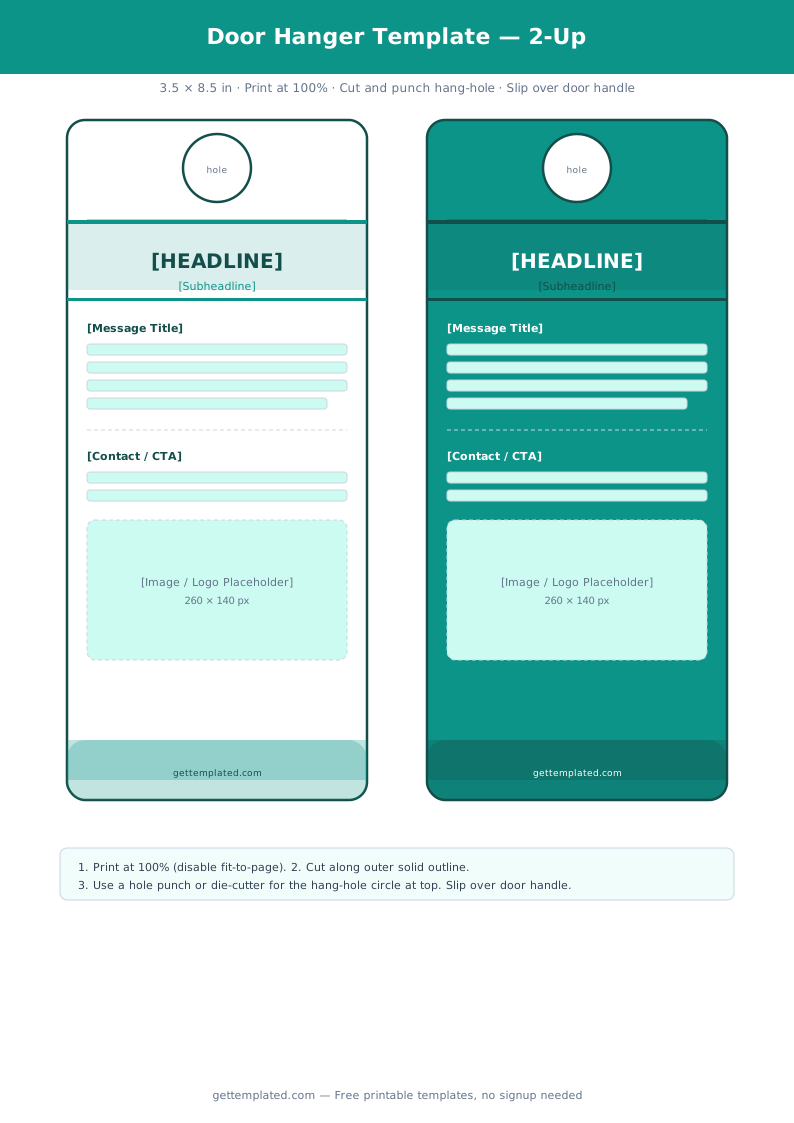
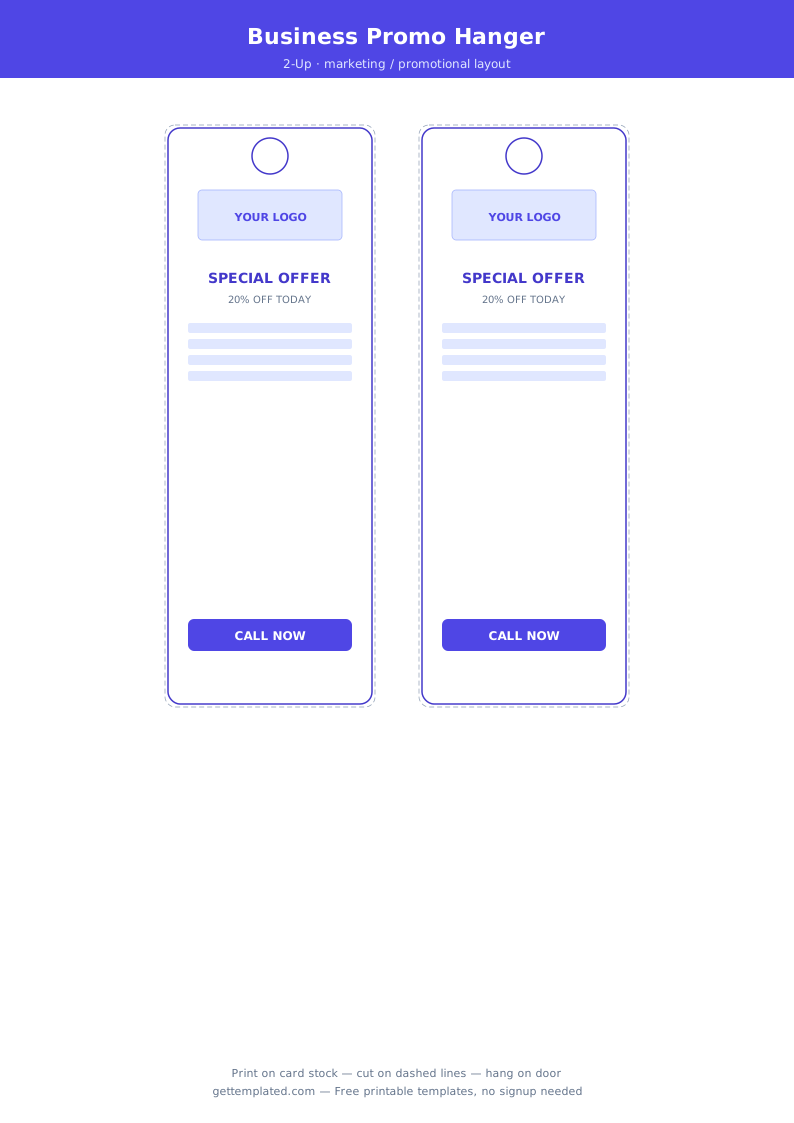
A door hanger template is a pre-sized document in the standard door hanger shape: roughly 3.5 inches wide by 8.5 to 11 inches tall, with a hole or die-cut slot at the top that loops over a door handle. The template includes placeholder zones for a headline, supporting message, and optional contact or branding information.
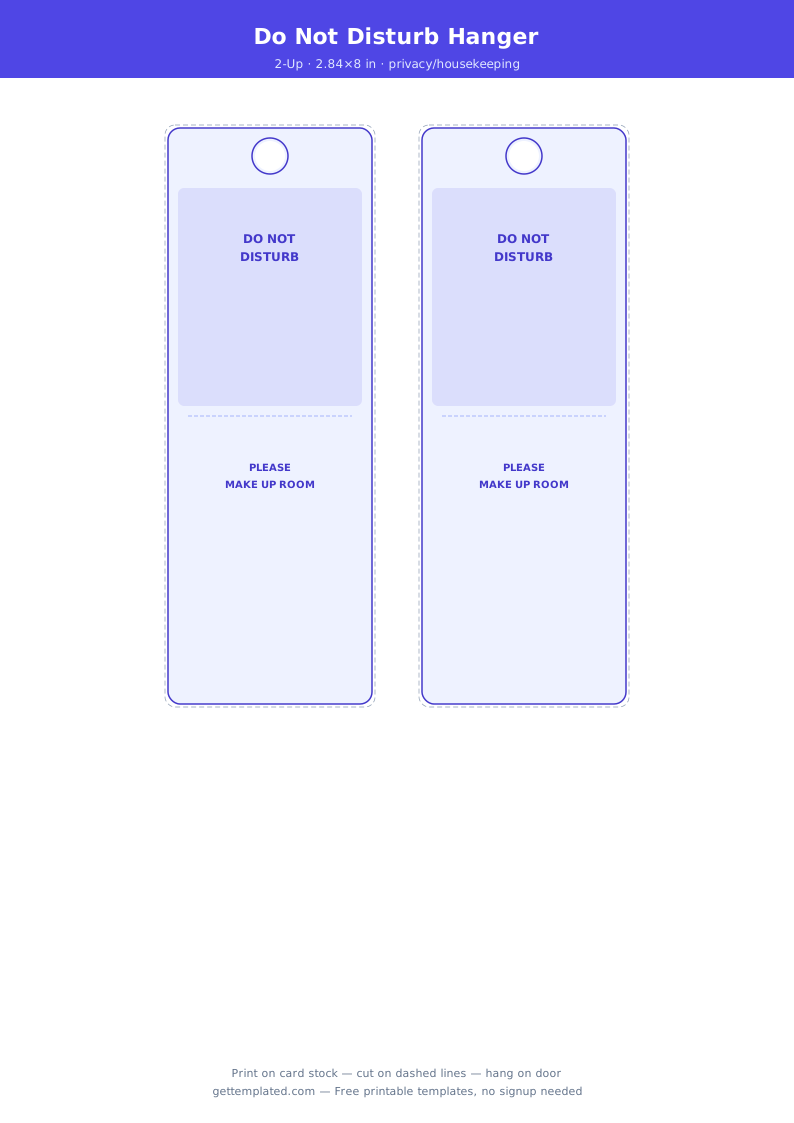
Door hangers serve two very different audiences. For individuals, the classic use is a do-not-disturb sign for a hotel room, home office, or bedroom. For businesses, door hangers are a direct marketing tool. Landscaping companies, pest control services, pizza delivery operations, real estate agents, and local service businesses distribute door hangers door to door to advertise services and special offers. The format is hard to miss because it physically attaches to the front door rather than sitting in a mailbox.
Table tent templates and name tent templates are smaller, free-standing versions of the same concept used at restaurant tables, conference name cards, and hotel front desks.
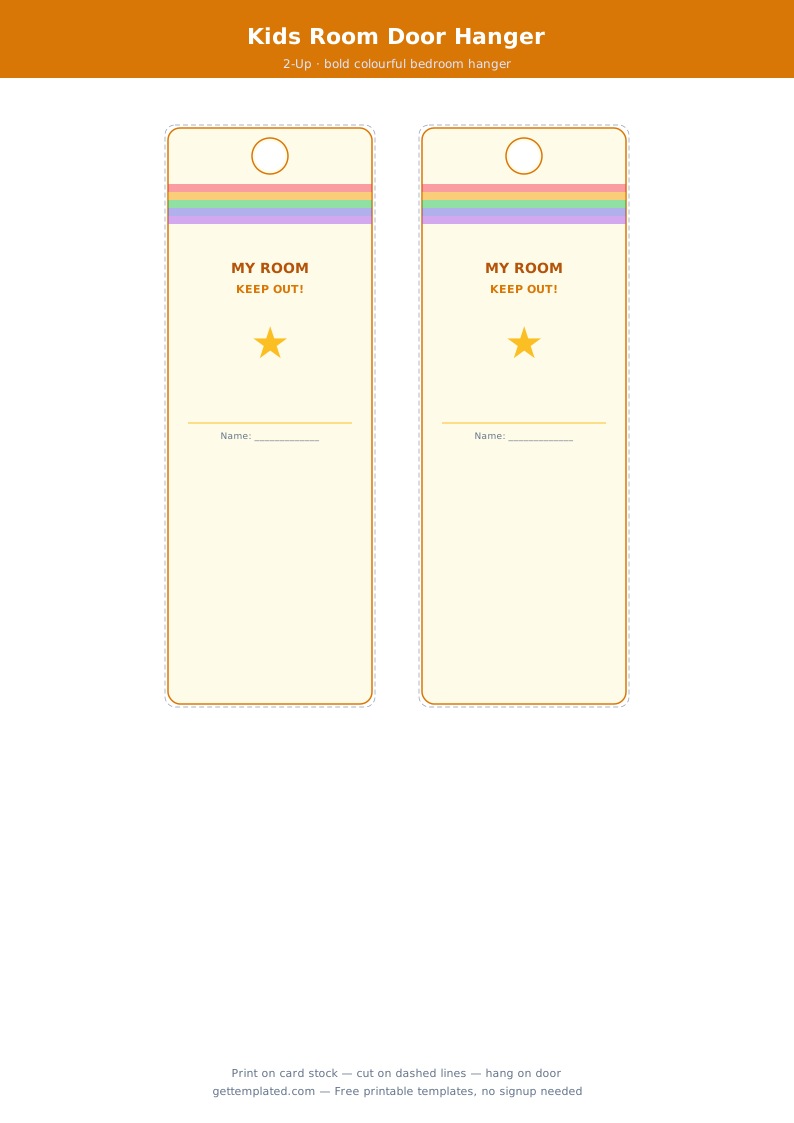
- Homeowners and renters who want a custom do-not-disturb or welcome sign for their door
- Small business owners using door hangers as a direct-mail alternative for neighborhood marketing
- Real estate agents leaving door hangers on nearby homes after a listing or sale
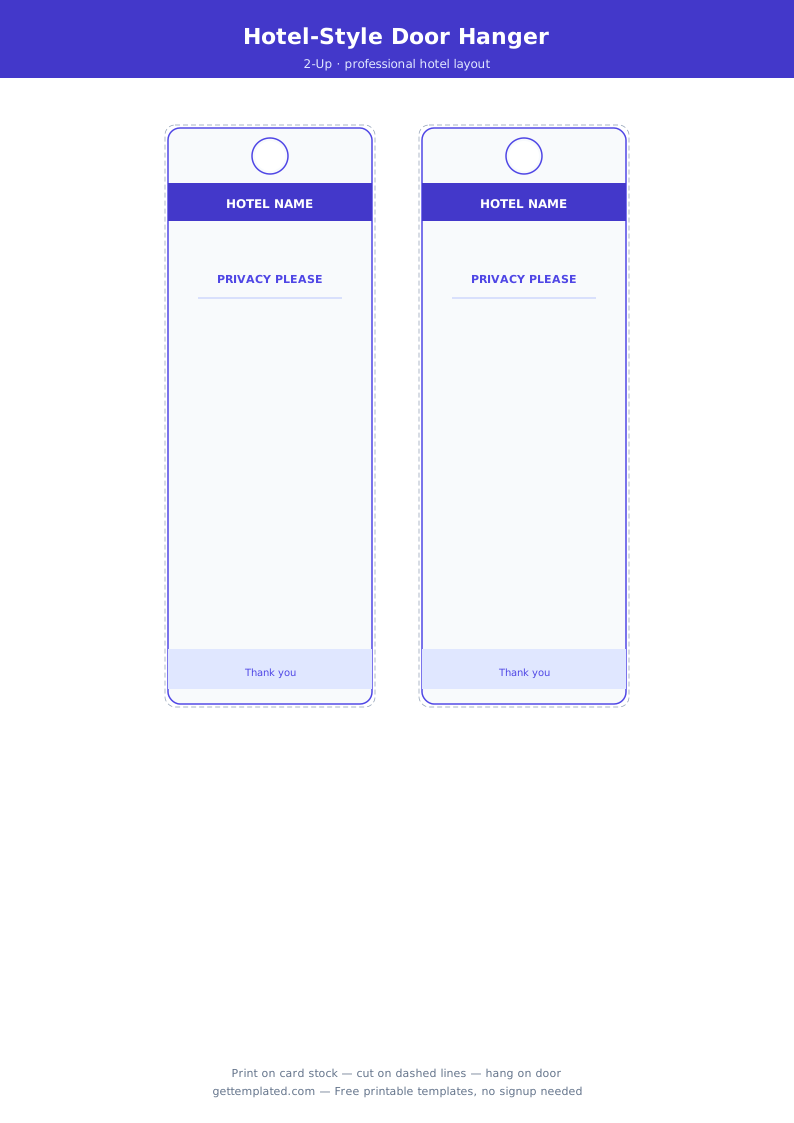
- Hotel staff and vacation rental hosts providing branded room signs
- Event planners and conference organizers using table tent and name tent templates for seating and signage
What to Include on a Door Hanger
A door hanger has limited usable space once you account for the hang slot at the top. Here is what to include and where to put it.
- Hang slot area (top 1.5 inches): Leave this clear for the punch-out hole. Do not place any text or design elements that need to be read in this zone
- Main headline: The most important message in large, bold text just below the slot. Examples: Do Not Disturb, We Were Here, 20% Off This Week
- Supporting message: One to three short lines of detail below the headline. Keep it brief because door hangers are read quickly
- Visual element: An icon, logo, illustration, or relevant photo in the middle section to break up the text and draw attention
- Business information (for marketing hangers): Business name, phone number, website, and a QR code linking to a booking page or offer page
- Call to action: A clear next step for the reader, such as 'Call for a free estimate' or 'Scan to claim your discount'
- Back panel (optional): Use the back side for secondary information, pricing, a menu, or a referral offer. Door hangers are printed on one or both sides depending on the print method
How to Make a Door Hanger Template
You can build a door hanger template in Google Docs, Microsoft Word, or Canva. Here is how to set up and print a standard door hanger at home or send the file to a print shop.
- Open Google Docs and go to File > Page setup. Set the page size to 3.5" wide x 8.5" tall with margins of 0.1" on all sides.
- Draw or shade the top 1.5 inches of the page to represent the hang slot area. Remind yourself not to place readable content in this zone.
- Add your main headline in large bold text (24 to 36 pt) just below the slot area. This is the first thing someone sees when they pull the hanger off their door.
- Add a supporting message, logo, or image in the middle section using Insert > Image or a text box.
- Place business contact information or a call to action at the bottom of the page in a smaller font.
- Export to PDF and print on 80 lb cardstock. Use a hole punch to create the door hang hole at the top, or use scissors to cut a narrow slot if you prefer the loop style.
- For Canva, search for 'door hanger' to find pre-sized templates. Customize the text and image, then download as a print-ready PDF with bleed.
Table Tent and Name Tent Templates
A table tent template is a folded card that stands upright on a flat surface without any support. The most common size is a 4 x 6 inch card folded in half to create a 4 x 3 inch standing tent. Restaurants use them for table numbers, specials, and promotional messages. Conferences use them for speaker nameplates and session signs. Hotels use them for in-room amenity cards and checkout reminders.
A name tent template is the same basic format, usually slightly narrower, used specifically for name display at workshops, training sessions, and meetings where participants face each other across a table. The attendee writes their name on the front panel in large text so everyone can read it from across the table.
To make a table tent in Google Docs, set the page to 4 x 6 inches, design both halves (the two 4 x 3 sections that become front and back when folded), and print. Score the center fold line with a ruler and bone folder before folding for a clean crease.
A place card template is a smaller version, typically 2 x 3.5 inches when folded, used for table settings at formal dinners, weddings, and banquet events. Place cards include the guest's name and sometimes a seat assignment or meal choice.
Door Hanger Design Tips and Common Mistakes
Door hangers need to communicate a message to someone standing at a door, often in low light or quickly scanning while holding groceries. These tips help your design work in that real-world context.
- Use large, high-contrast text for the headline. The person reading it may be standing in an outdoor doorway in varying light. Small or low-contrast text will be skipped
- One message per hanger. Door hangers that try to say five things end up saying nothing memorable. Pick the single most important message and make it dominant
- Include a QR code for marketing hangers. A QR code that links to your booking page, special offer, or review page turns a paper hanger into an interactive touchpoint
- Match the hang slot to your intended door hardware. Slim European-style door handles need a narrower slot than wide US lever handles. Standard round knobs work with a round hole punch
- Add bleed if going to a print shop. Most commercial printers require a 0.125 inch bleed on all sides so color backgrounds print edge to edge without a white border after trimming
- For table tent templates, score the fold line before folding. A clean score keeps the tent from buckling and makes it look professional on a table
The template